Cloud Telephony for IT & SaaS Support Teams: Scaling Customer Support Without Hardware

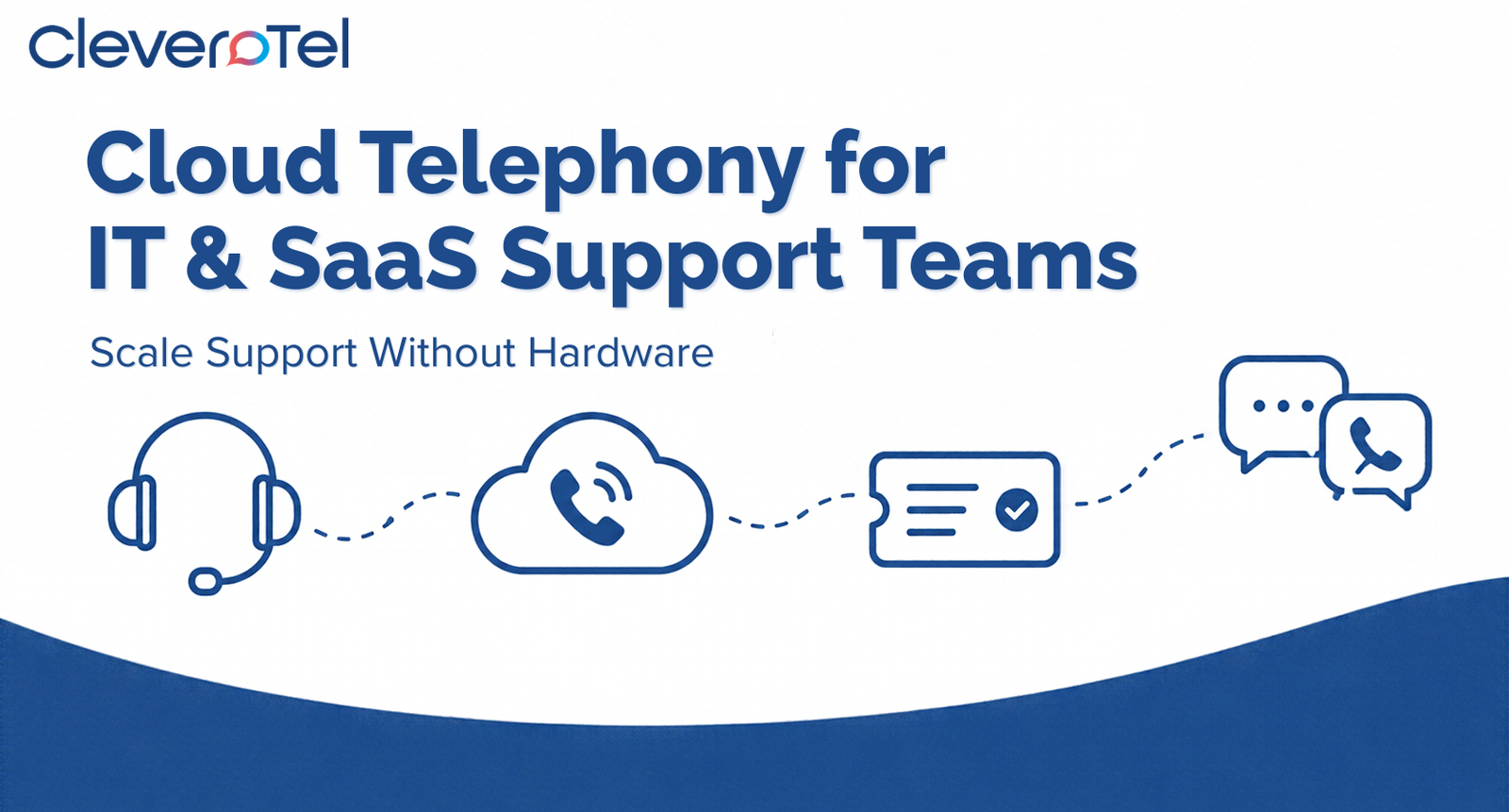
Cloud telephony lets IT and SaaS support teams add phone support without buying or maintaining hardware. Agents take calls through a softphone or app, calls route automatically by customer tier or issue severity, and call data feeds your helpdesk so every call becomes a trackable ticket. Seats scale up in minutes during a release or outage and back down afterwards, and time-based routing makes round-the-clock coverage practical for distributed teams.
Chat and email handle most SaaS support volume, but the phone is where your most urgent and valuable conversations land: the production outage, the locked-out enterprise admin, the renewal at risk. Those calls arrive in bursts, usually when your team is already stretched. This guide covers what IT and SaaS teams need from cloud telephony, how to set it up in a week, and which metrics show it’s working.
Why Support Telephony Is Different for IT and SaaS Teams
- Volume spikes are event-driven. A bad release or outage can multiply calls within minutes.
- Not all calls are equal. A P1 outage call from an enterprise customer needs a different path from a how-to question on a free plan.
- Teams are distributed. Support engineers work remotely, across cities, sometimes across continents.
- Everything lives in a ticket. A call that isn’t logged against a customer record loses its context the moment it ends.
A traditional on-premise PBX assumes a fixed office, fixed headcount, and slow change cycles. Adding agents means waiting on lines and hardware, remote work is awkward, and the office is a single point of failure. Cloud telephony removes these limits because the provider hosts the system and you reach it over the internet.
Six Capabilities That Matter
- Tier-based routing. Use an IVR option or CRM lookup on the caller’s number to send enterprise or high-severity callers to a dedicated queue. Keep menus short, as covered in our IVR guide.
- Helpdesk and CRM integration. The biggest productivity gain is calls that create or update tickets and show caller history before the agent speaks. Check whether a provider’s integration is native, API-based, or webhook-based, and whether it logs recordings and outcomes.
- Ring groups and escalation. Calls reach available L1 agents first, then escalate to L2 or an on-call engineer, replacing the “forward to someone’s mobile” workaround.
- Elastic seats. Adding an agent is a licence change, not a hardware order, so cost tracks headcount.
- Recording and analytics. Recordings support QA and coaching; call logs show answer times, abandoned calls, and peak hours so you staff to real demand.
- Numbers in your customers’ markets. A local number makes calling you feel domestic. CleveroTel offers US virtual numbers so a team in India can serve US customers locally.
Support Challenge to Capability
| Support challenge | Cloud telephony capability | Metric it improves |
|---|---|---|
| Outage call spikes | Elastic seats, queue callbacks | Abandon rate |
| Enterprise customers waiting behind free users | Tier-based IVR routing | Answer time for priority accounts |
| Lost context between calls and tickets | Helpdesk integration, screen pop | Handle time, first-contact resolution |
| Out-of-hours coverage | Time-based routing across regions | Coverage hours |
| Remote or hybrid agents | Softphone and mobile app | Agent availability |
Set It Up in One Week
- Day 1: List the top reasons customers call and which tier owns each.
- Day 2: Choose local or toll-free numbers per market, plus a separate line for priority customers if useful.
- Day 3: Build a short IVR and routing, with a clear path to a human.
- Day 4: Connect your helpdesk and test that a call creates or updates a ticket correctly.
- Day 5: Configure ring groups, fallbacks, and an after-hours message.
- Days 6 to 7: Pilot with real calls, review the logs, and adjust.
Metrics to Track
Set targets against your own baseline rather than generic benchmarks: average speed of answer, abandon rate, first-contact resolution, average handle time, and callback completion rate. Review weekly in the first month, then monthly. Sudden shifts usually point to a routing or staffing problem you can fix in the dashboard.
Compliance Notes
If your team operates from India, confirm your provider’s alignment with TRAI and DoT requirements. If calls are recorded, the Digital Personal Data Protection Act expects clear notice and secure handling (see MeitY). For US customers, recording consent rules vary by state and some require all parties to consent, so add a disclosure to your greeting and confirm requirements with your legal advisor.
Cost: Seats, Not Hardware
CleveroTel’s Domestic Cloud PBX plan is ₹899 per user per month as a 5-user bundle with one free DID, with international rates listed separately. See the pricing page and our pricing comparison for estimating a full monthly bill.
How CleveroTel Supports IT and SaaS Teams
CleveroTel’s platform includes IVR menus, call routing and transfer, ring groups, voicemail, recording, call logs and analytics, a softphone, and integrations with other business applications. Smaller teams can start with Cloud PBX; larger volumes suit the AI Cloud Call Center, and the AI Voice Agent can handle routine queries before they reach a human. Serving US clients? See our guide to Cloud PBX for US IT staffing companies and the provider features checklist.
Frequently Asked Questions
Can SaaS companies run phone support without hardware?
Yes. Agents use a softphone or mobile app while the provider hosts the phone system.
How does cloud telephony connect to Zendesk or Freshdesk?
Usually through a native integration, API, or webhook that logs calls and recordings to tickets. Confirm the method with any provider before committing.
How do we prioritise enterprise customers on calls?
Route them through a dedicated IVR option or a CRM lookup on the caller’s number to a priority queue or ring group.
Can a distributed team offer 24/7 phone support?
Yes. Time-based routing and ring groups pass calls between regions, with voicemail or callback as the fallback.
Conclusion
For IT and SaaS teams, the phone is a small share of volume but a large share of risk and revenue. Cloud telephony lets you staff for spikes, route by customer value, and tie every call to a ticket without a hardware project. Start simple, measure answer times and abandon rates, and expand where the data shows callers getting stuck.
Want a setup built around your helpdesk and team size? Talk to CleveroTel or browse more guides on the CleveroTel blog.